
Cloud Faxing for modern healthcare
AI-powered, HIPAA-compliant digital faxing that reads, summarizes, and routes your faxes automatically—all directly inside your EHR.
Built to scale, DashQuill handles millions of faxes annually

Supported EHR systems


How it works
Modern faxing without the outdated hardware
Get your fax number
We provide a new number at no extra charge, or port the one you have had for years. There is no fax machine and no fax line.
Faxes arrive in your EHR
Incoming faxes land in an inbox inside your EHR. Each one is already read by AI, summarized, and matched to a patient.
File it to the chart
Reply, complete requests, and save any fax to the patient's EHR chart in one click, with no downloading and re-uploading in between.
AI that reads and routes your faxes
DashQuill's built-in AI reads incoming faxes, including handwritten content, and summarizes them. It then identifies the patient in your EMR and tags each fax for the right person or group.
- Reads and understands both typed text and handwriting
- Summarizes fax content so you can triage at a glance
- Identifies the patient in your EMR and suggests chart matching
- Automatically tags faxes for the right person or group (e.g., referrals, Dr. Smith)
Everything stays in your EHR
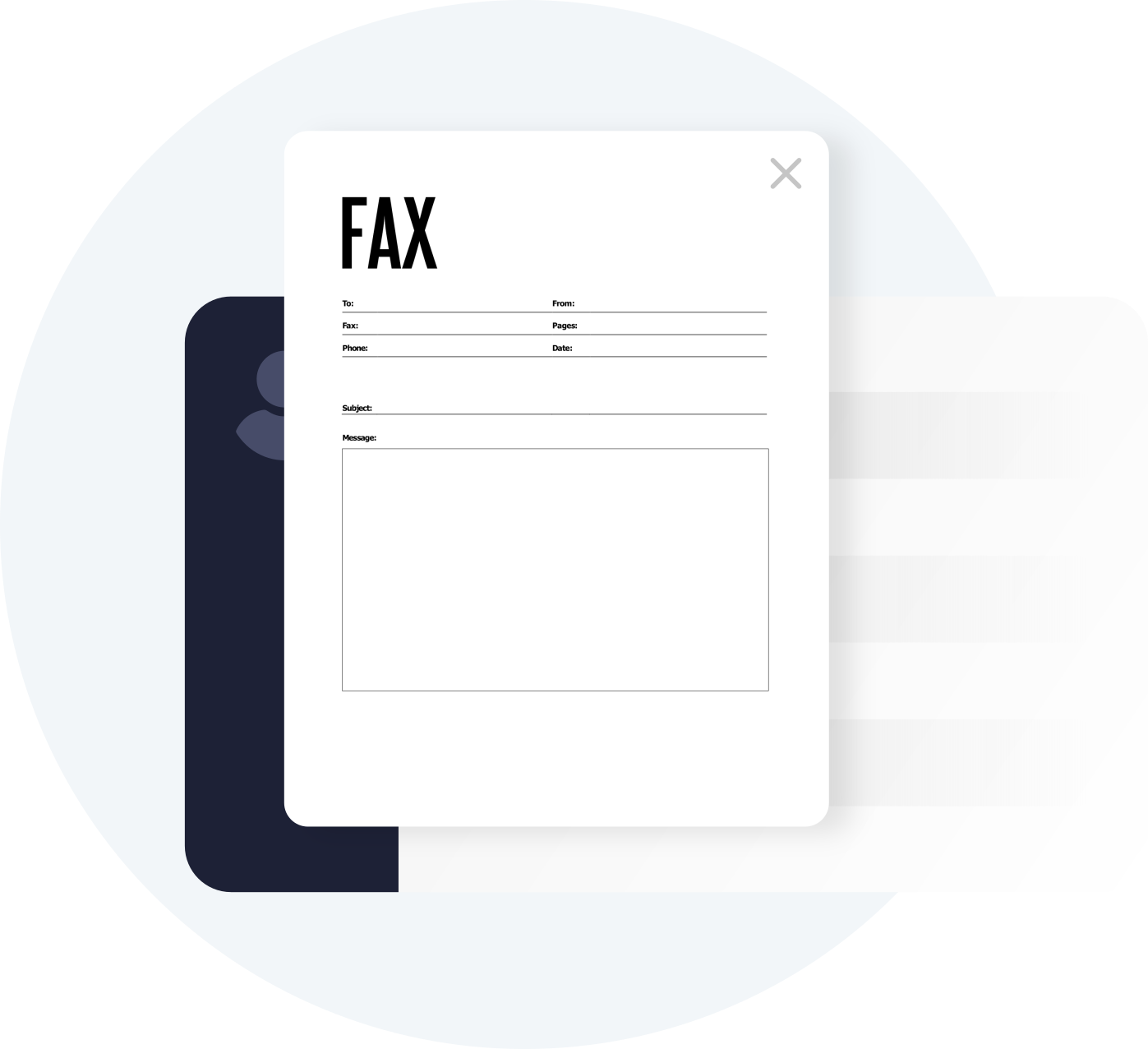
Send and receive faxes without leaving your EHR. Transfer files securely between your fax inbox and patient charts without PHI ever touching your computer.
- Access your fax inbox directly within your EHR
- Send faxes by uploading files or importing them from your EHR
- Transfer inbound faxes to patient charts in one click
- Secure transfers mean no PHI left on your office computers
All your work in one tool
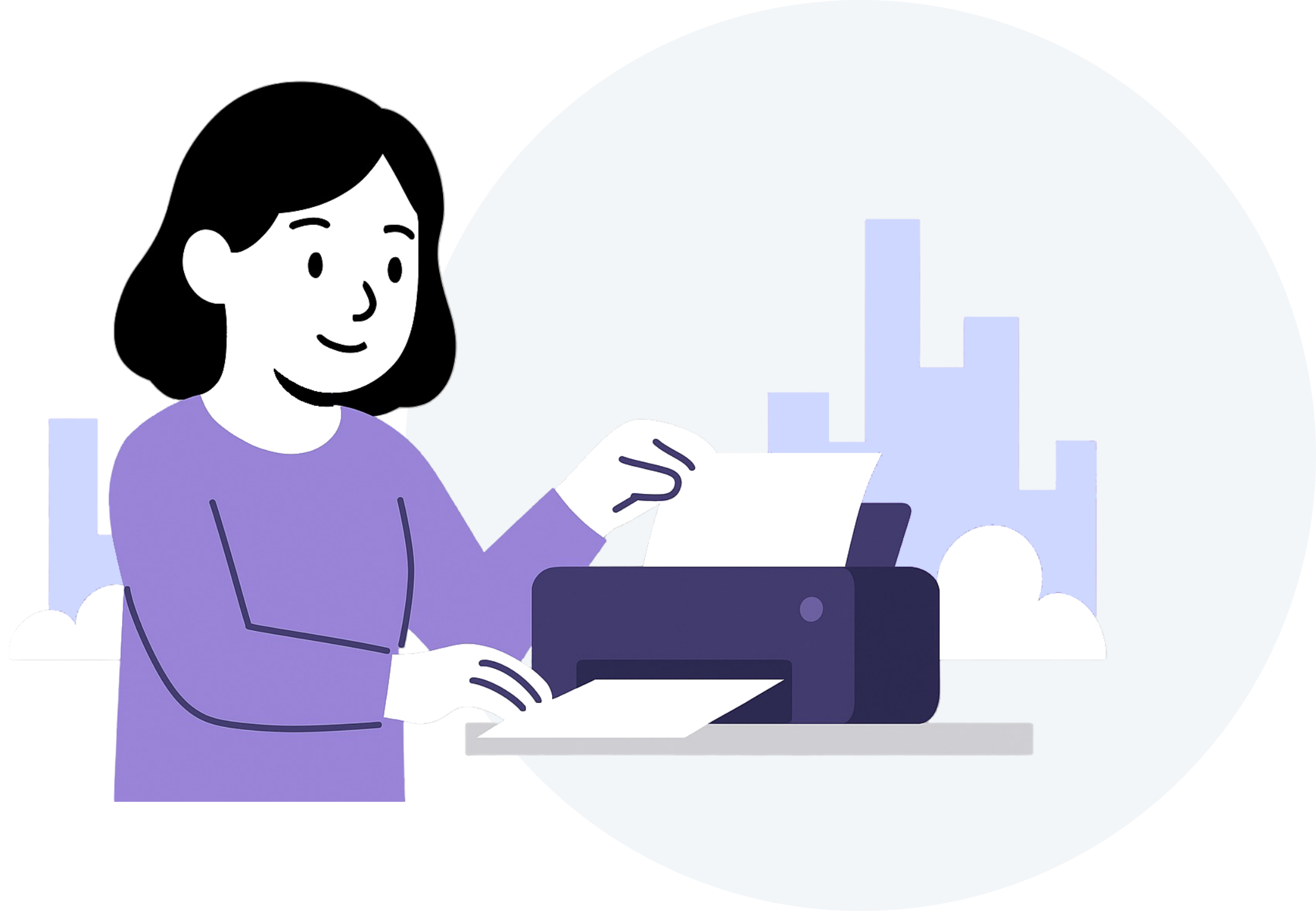
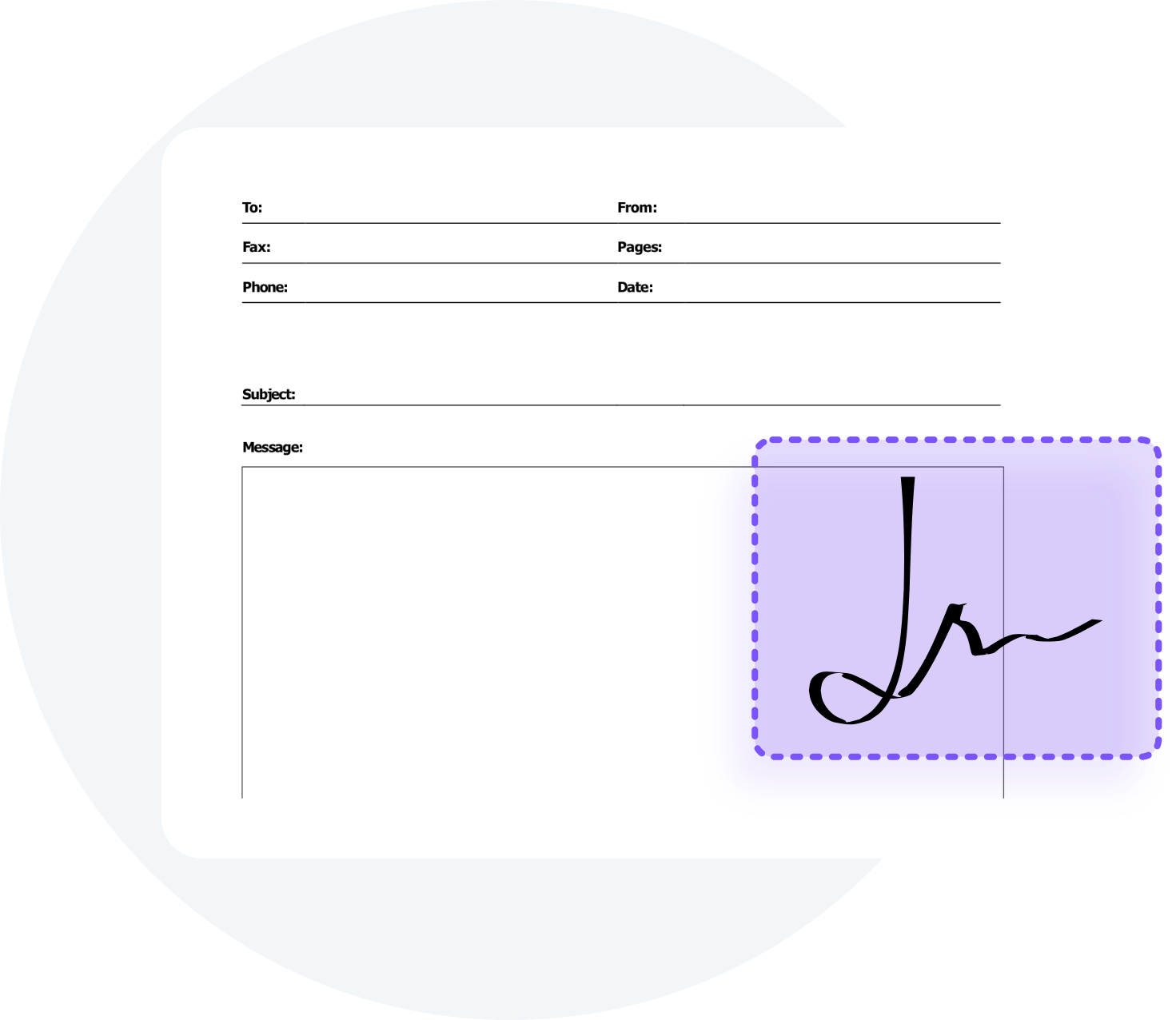
Complete requests, sign documents, and categorize faxes directly in the faxing service. No need to print, scan, or install Adobe Acrobat.
- Built-in tools for filling and signing (no Adobe required)
- Add internal notes to faxes for your team
- Categorize faxes so you can search later
- Track which faxes still need action with our resolve system
Simple contact management
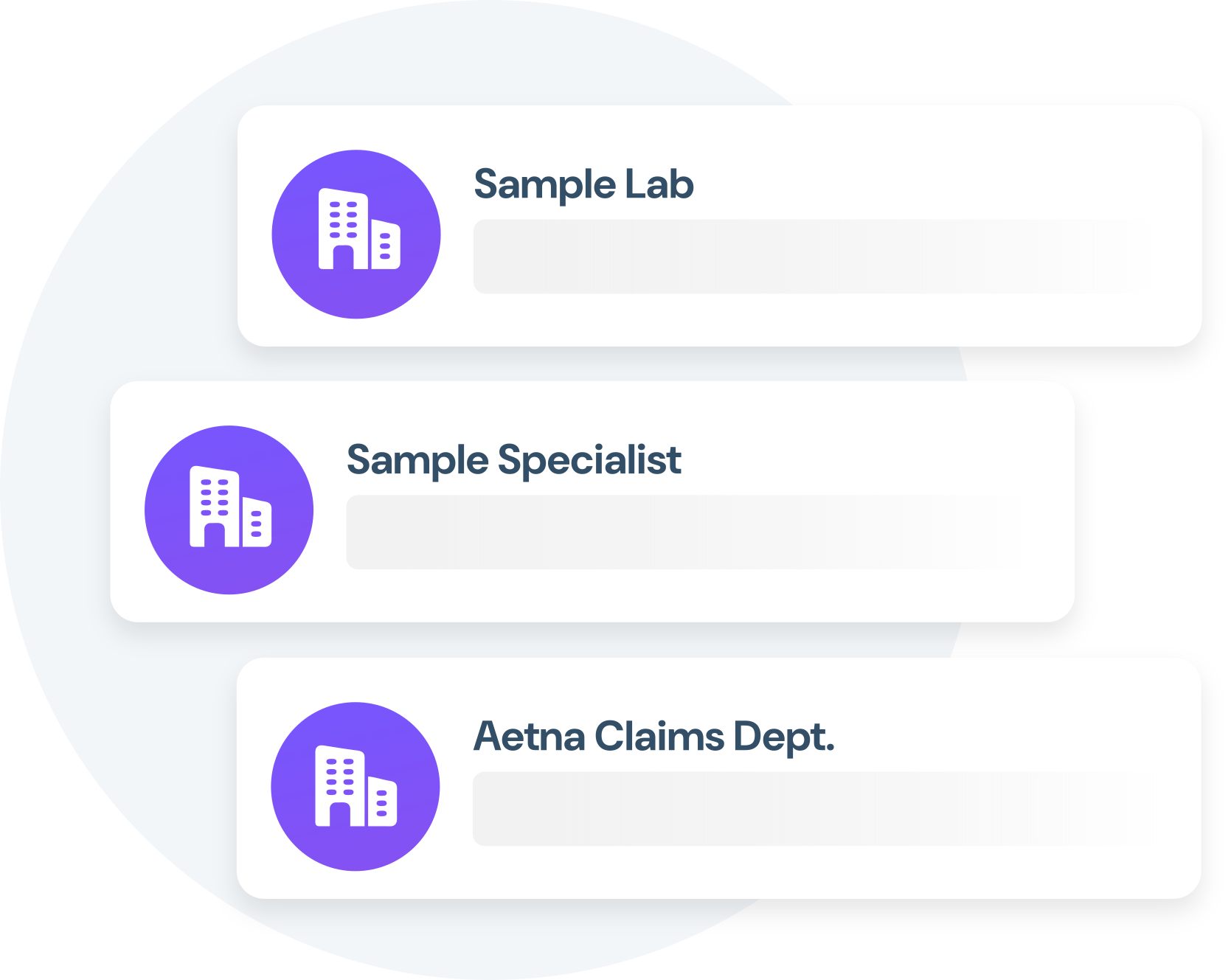
Create and save contacts for organizations you frequently fax. No more looking up fax numbers every time you need to send records.
- Save frequently faxed organizations and their numbers
- Quick access to specialist offices and labs
- No more hunting for fax numbers
- Easily search past faxes to or from an organization
What our customers say

With DashQuill's faxing, we turned a paper-heavy process into a fast, digital workflow. Now we have less printing, fewer errors, and more time to spend with patients.

We don't send many faxes, but we get a lot coming in. It's nice that we can send them right to the patient's chart in our EHR. Back when I had a fax machine I would have to download them to my computer first. DashQuill has done a great job!
The tagging system in DashQuill Faxing has made it so much easier to stay organized. We can quickly sort and find faxes by type or patient, and it's been a huge help for our office. Really glad this feature is built in.

With DashQuill's faxing, we turned a paper-heavy process into a fast, digital workflow. Now we have less printing, fewer errors, and more time to spend with patients.
We don't send many faxes, but we get a lot coming in. It's nice that we can send them right to the patient's chart in our EHR. Back when I had a fax machine I would have to download them to my computer first. DashQuill has done a great job!
The tagging system in DashQuill Faxing has made it so much easier to stay organized. We can quickly sort and find faxes by type or patient, and it's been a huge help for our office. Really glad this feature is built in.
With DashQuill's faxing, we turned a paper-heavy process into a fast, digital workflow. Now we have less printing, fewer errors, and more time to spend with patients.
We don't send many faxes, but we get a lot coming in. It's nice that we can send them right to the patient's chart in our EHR. Back when I had a fax machine I would have to download them to my computer first. DashQuill has done a great job!
The tagging system in DashQuill Faxing has made it so much easier to stay organized. We can quickly sort and find faxes by type or patient, and it's been a huge help for our office. Really glad this feature is built in.
With DashQuill's faxing, we turned a paper-heavy process into a fast, digital workflow. Now we have less printing, fewer errors, and more time to spend with patients.
We don't send many faxes, but we get a lot coming in. It's nice that we can send them right to the patient's chart in our EHR. Back when I had a fax machine I would have to download them to my computer first. DashQuill has done a great job!
The tagging system in DashQuill Faxing has made it so much easier to stay organized. We can quickly sort and find faxes by type or patient, and it's been a huge help for our office. Really glad this feature is built in.
With DashQuill's faxing, we turned a paper-heavy process into a fast, digital workflow. Now we have less printing, fewer errors, and more time to spend with patients.
We don't send many faxes, but we get a lot coming in. It's nice that we can send them right to the patient's chart in our EHR. Back when I had a fax machine I would have to download them to my computer first. DashQuill has done a great job!
The tagging system in DashQuill Faxing has made it so much easier to stay organized. We can quickly sort and find faxes by type or patient, and it's been a huge help for our office. Really glad this feature is built in.
With DashQuill's faxing, we turned a paper-heavy process into a fast, digital workflow. Now we have less printing, fewer errors, and more time to spend with patients.
We don't send many faxes, but we get a lot coming in. It's nice that we can send them right to the patient's chart in our EHR. Back when I had a fax machine I would have to download them to my computer first. DashQuill has done a great job!
The tagging system in DashQuill Faxing has made it so much easier to stay organized. We can quickly sort and find faxes by type or patient, and it's been a huge help for our office. Really glad this feature is built in.
With DashQuill's faxing, we turned a paper-heavy process into a fast, digital workflow. Now we have less printing, fewer errors, and more time to spend with patients.
We don't send many faxes, but we get a lot coming in. It's nice that we can send them right to the patient's chart in our EHR. Back when I had a fax machine I would have to download them to my computer first. DashQuill has done a great job!
The tagging system in DashQuill Faxing has made it so much easier to stay organized. We can quickly sort and find faxes by type or patient, and it's been a huge help for our office. Really glad this feature is built in.
The tagging system in DashQuill Faxing has made it so much easier to stay organized. We can quickly sort and find faxes by type or patient, and it's been a huge help for our office. Really glad this feature is built in.
With DashQuill's faxing, we turned a paper-heavy process into a fast, digital workflow. Now we have less printing, fewer errors, and more time to spend with patients.
We don't send many faxes, but we get a lot coming in. It's nice that we can send them right to the patient's chart in our EHR. Back when I had a fax machine I would have to download them to my computer first. DashQuill has done a great job!
The tagging system in DashQuill Faxing has made it so much easier to stay organized. We can quickly sort and find faxes by type or patient, and it's been a huge help for our office. Really glad this feature is built in.
With DashQuill's faxing, we turned a paper-heavy process into a fast, digital workflow. Now we have less printing, fewer errors, and more time to spend with patients.
We don't send many faxes, but we get a lot coming in. It's nice that we can send them right to the patient's chart in our EHR. Back when I had a fax machine I would have to download them to my computer first. DashQuill has done a great job!
The tagging system in DashQuill Faxing has made it so much easier to stay organized. We can quickly sort and find faxes by type or patient, and it's been a huge help for our office. Really glad this feature is built in.
With DashQuill's faxing, we turned a paper-heavy process into a fast, digital workflow. Now we have less printing, fewer errors, and more time to spend with patients.
We don't send many faxes, but we get a lot coming in. It's nice that we can send them right to the patient's chart in our EHR. Back when I had a fax machine I would have to download them to my computer first. DashQuill has done a great job!
The tagging system in DashQuill Faxing has made it so much easier to stay organized. We can quickly sort and find faxes by type or patient, and it's been a huge help for our office. Really glad this feature is built in.
With DashQuill's faxing, we turned a paper-heavy process into a fast, digital workflow. Now we have less printing, fewer errors, and more time to spend with patients.
We don't send many faxes, but we get a lot coming in. It's nice that we can send them right to the patient's chart in our EHR. Back when I had a fax machine I would have to download them to my computer first. DashQuill has done a great job!
The tagging system in DashQuill Faxing has made it so much easier to stay organized. We can quickly sort and find faxes by type or patient, and it's been a huge help for our office. Really glad this feature is built in.
With DashQuill's faxing, we turned a paper-heavy process into a fast, digital workflow. Now we have less printing, fewer errors, and more time to spend with patients.
We don't send many faxes, but we get a lot coming in. It's nice that we can send them right to the patient's chart in our EHR. Back when I had a fax machine I would have to download them to my computer first. DashQuill has done a great job!
The tagging system in DashQuill Faxing has made it so much easier to stay organized. We can quickly sort and find faxes by type or patient, and it's been a huge help for our office. Really glad this feature is built in.
With DashQuill's faxing, we turned a paper-heavy process into a fast, digital workflow. Now we have less printing, fewer errors, and more time to spend with patients.
We don't send many faxes, but we get a lot coming in. It's nice that we can send them right to the patient's chart in our EHR. Back when I had a fax machine I would have to download them to my computer first. DashQuill has done a great job!
The tagging system in DashQuill Faxing has made it so much easier to stay organized. We can quickly sort and find faxes by type or patient, and it's been a huge help for our office. Really glad this feature is built in.
With DashQuill's faxing, we turned a paper-heavy process into a fast, digital workflow. Now we have less printing, fewer errors, and more time to spend with patients.
We don't send many faxes, but we get a lot coming in. It's nice that we can send them right to the patient's chart in our EHR. Back when I had a fax machine I would have to download them to my computer first. DashQuill has done a great job!
Frequently Asked Questions
Is DashQuill Faxing HIPAA compliant and secure?
Yes. DashQuill Faxing is HIPAA compliant. We follow industry best practices. PHI is encrypted in transit and at rest, access is strictly controlled, data is backed up regularly, and every action is logged. As part of our standard onboarding process, we'll sign a Business Associate Agreement with your office. For more details about our security measures, visit our HIPAA compliance page.
How does the AI in DashQuill Faxing work?
DashQuill's AI reads incoming faxes, including handwritten content, and generates a summary so staff can triage at a glance. It identifies the patient in your EMR and suggests a chart match. It also tags each fax for the right person or group based on its content. For example, referrals go to the referrals coordinator and prescriptions go to Dr. Smith. All of this happens automatically as faxes arrive.
Is the AI processing of faxes HIPAA compliant?
Yes. All AI processing occurs within DashQuill's secure, HIPAA-compliant infrastructure. Fax content is never shared with third parties, and all AI features are fully covered under our Business Associate Agreement. The same encryption, access controls, and audit logging that protect your faxes also apply to AI processing.
How is DashQuill Faxing different from other fax services?
Most fax services require opening a separate website or app and downloading faxes to a computer before uploading them to the EHR. That creates HIPAA risk. With DashQuill, faxing runs directly inside the EHR. Files move between the fax inbox and patient charts in one click, in either direction, so sensitive documents never need to be downloaded to office computers.
Can faxes be filled and signed?
Yes. DashQuill has built-in tools for filling forms and signing documents directly in the EHR. There is no need to print, scan, or use Adobe Acrobat. Staff can complete requests, add signatures, and send replies all within the same system.
How does fax tracking and organization work?
Staff can mark each fax as resolved or unresolved to track which ones still need action. Staff can add comments or notes to each fax, categorize them with tags for easy searching, and mark them as resolved once completed. This keeps the inbox organized and ensures nothing falls through the cracks.
Can an existing fax number be used?
Yes. We can port an existing fax number to DashQuill. Alternatively, a new fax number can be provided at no extra charge if starting fresh is preferred.
How are files transferred to and from the EHR?
Files move with one click. Incoming faxes can be transferred directly to a patient's chart documents. When sending a fax, files can be pulled from the EHR or uploaded from a computer. Either way, sensitive files never need to be downloaded to office computers.
How long does onboarding take?
With a new number, setup can be completed in as little as a few days. Porting an existing number from your current carrier takes longer. Our team supports your office along the way, including EHR integration and staff training.
How faxing connects to your EHR
Patient matching, chart filing, and outbound referrals differ by EHR. These pages spell out which of them work today.
See a fax reach the right chart
The demo takes fifteen minutes. It is worth booking if your team still prints inbound faxes to scan them back into the chart.