
Cloud Faxing right inside your chart
DashQuill's AI-powered, HIPAA-compliant faxing lives inside Practice Fusion. It reads, summarizes, and routes your faxes automatically—and moves files between your fax inbox and the chart in one click.
 Your DashQuill Service
Modern faxing, inside Practice Fusion
No outdated hardware, no separate website—just faxing where you already work.
Set up your number
Our team provides a new fax number at no extra charge, or ports your existing number(s). No fax machine, no new hardware to install.
Receive faxes in Practice Fusion
Incoming faxes land in your fax inbox right inside Practice Fusion—no separate website or app for your staff to open.
Review, complete, send
Complete requests, categorize faxes, and send replies in one click. Move files between faxing and the Practice Fusion chart seamlessly.
AI that reads and routes your faxes
DashQuill's built-in AI reads incoming faxes—including handwritten content—summarizes them, identifies the patient in Practice Fusion, and automatically tags each fax for the right person or group.
- Reads and understands both typed text and handwriting
- Summarizes fax content so you can triage at a glance
- Identifies the patient in Practice Fusion and suggests chart matching
- Automatically tags faxes for the right person or group (e.g., referrals, Dr. Smith)
Everything stays inside Practice Fusion
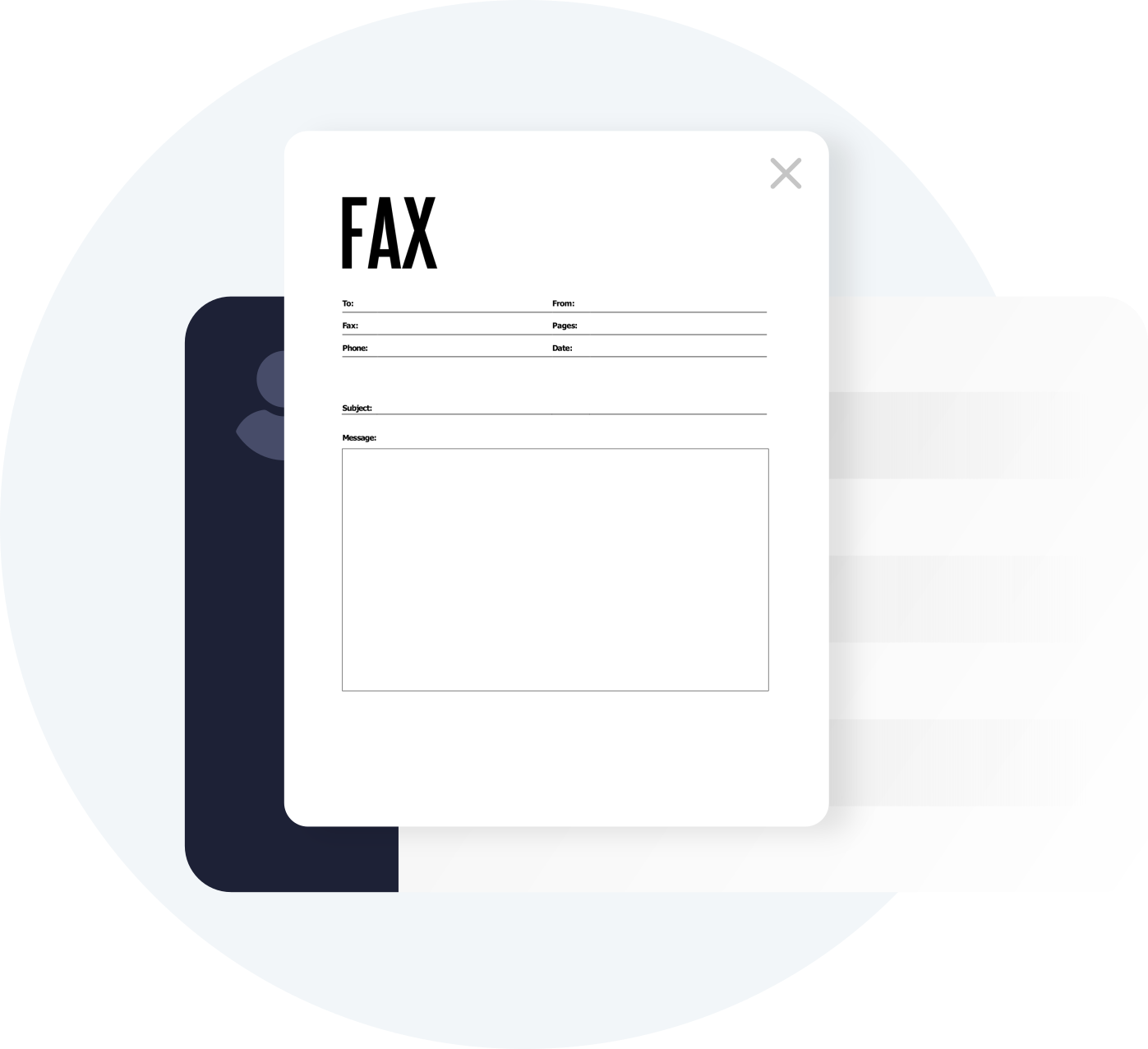
Send and receive faxes without leaving Practice Fusion. Transfer files securely between your fax inbox and patient charts without PHI ever touching your computer.
- Access your fax inbox directly within Practice Fusion
- Send faxes by uploading files, or importing from the chart
- Transfer inbound faxes to patient charts in one click
- Secure transfers mean no PHI left on your office computers

All your work in one tool
Complete requests, sign documents, and categorize faxes directly in the faxing service. No need to print, scan, or download Adobe Acrobat.
- Built-in tools for filling and signing (no Adobe required)
- Add internal notes to faxes for your team
- Categorize faxes so you can search later
- Track which faxes still need action with our resolve system
Simple contact management
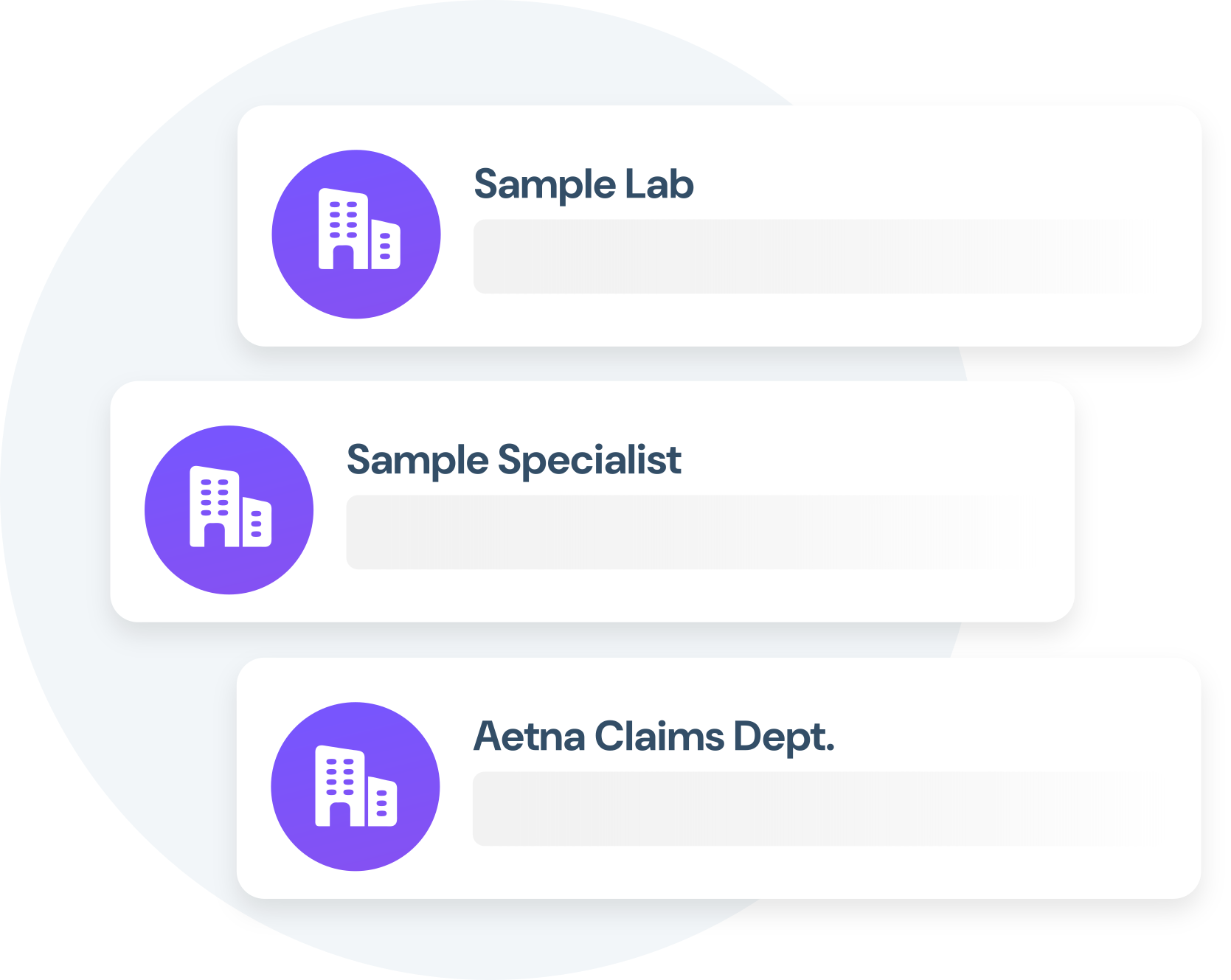
Create and save contacts for organizations you frequently fax. No more looking up fax numbers every time you need to send records.
- Save frequently-faxed organizations and their numbers
- Quick access to specialist offices and labs
- No more hunting for fax numbers
- Easily search past faxes to/from an organization
What Practice Fusion practices say

With DashQuill's faxing, we turned a paper-heavy process into a fast, digital workflow. Now we have less printing, fewer errors, and more time to spend with patients.

We don't send many faxes, but we get a lot coming in. It's nice that we can send them right to the patient's chart in our EHR. Back when I had a fax machine I would have to download them to my computer first. DashQuill has done a great job!
The tagging system in DashQuill Faxing has made it so much easier to stay organized. We can quickly sort and find faxes by type or patient, and it's been a huge help for our office. Really glad this feature is built in.

With DashQuill's faxing, we turned a paper-heavy process into a fast, digital workflow. Now we have less printing, fewer errors, and more time to spend with patients.
We don't send many faxes, but we get a lot coming in. It's nice that we can send them right to the patient's chart in our EHR. Back when I had a fax machine I would have to download them to my computer first. DashQuill has done a great job!
The tagging system in DashQuill Faxing has made it so much easier to stay organized. We can quickly sort and find faxes by type or patient, and it's been a huge help for our office. Really glad this feature is built in.
With DashQuill's faxing, we turned a paper-heavy process into a fast, digital workflow. Now we have less printing, fewer errors, and more time to spend with patients.
We don't send many faxes, but we get a lot coming in. It's nice that we can send them right to the patient's chart in our EHR. Back when I had a fax machine I would have to download them to my computer first. DashQuill has done a great job!
The tagging system in DashQuill Faxing has made it so much easier to stay organized. We can quickly sort and find faxes by type or patient, and it's been a huge help for our office. Really glad this feature is built in.
With DashQuill's faxing, we turned a paper-heavy process into a fast, digital workflow. Now we have less printing, fewer errors, and more time to spend with patients.
We don't send many faxes, but we get a lot coming in. It's nice that we can send them right to the patient's chart in our EHR. Back when I had a fax machine I would have to download them to my computer first. DashQuill has done a great job!
The tagging system in DashQuill Faxing has made it so much easier to stay organized. We can quickly sort and find faxes by type or patient, and it's been a huge help for our office. Really glad this feature is built in.
With DashQuill's faxing, we turned a paper-heavy process into a fast, digital workflow. Now we have less printing, fewer errors, and more time to spend with patients.
We don't send many faxes, but we get a lot coming in. It's nice that we can send them right to the patient's chart in our EHR. Back when I had a fax machine I would have to download them to my computer first. DashQuill has done a great job!
The tagging system in DashQuill Faxing has made it so much easier to stay organized. We can quickly sort and find faxes by type or patient, and it's been a huge help for our office. Really glad this feature is built in.
With DashQuill's faxing, we turned a paper-heavy process into a fast, digital workflow. Now we have less printing, fewer errors, and more time to spend with patients.
We don't send many faxes, but we get a lot coming in. It's nice that we can send them right to the patient's chart in our EHR. Back when I had a fax machine I would have to download them to my computer first. DashQuill has done a great job!
The tagging system in DashQuill Faxing has made it so much easier to stay organized. We can quickly sort and find faxes by type or patient, and it's been a huge help for our office. Really glad this feature is built in.
With DashQuill's faxing, we turned a paper-heavy process into a fast, digital workflow. Now we have less printing, fewer errors, and more time to spend with patients.
We don't send many faxes, but we get a lot coming in. It's nice that we can send them right to the patient's chart in our EHR. Back when I had a fax machine I would have to download them to my computer first. DashQuill has done a great job!
The tagging system in DashQuill Faxing has made it so much easier to stay organized. We can quickly sort and find faxes by type or patient, and it's been a huge help for our office. Really glad this feature is built in.
The tagging system in DashQuill Faxing has made it so much easier to stay organized. We can quickly sort and find faxes by type or patient, and it's been a huge help for our office. Really glad this feature is built in.
With DashQuill's faxing, we turned a paper-heavy process into a fast, digital workflow. Now we have less printing, fewer errors, and more time to spend with patients.
We don't send many faxes, but we get a lot coming in. It's nice that we can send them right to the patient's chart in our EHR. Back when I had a fax machine I would have to download them to my computer first. DashQuill has done a great job!
The tagging system in DashQuill Faxing has made it so much easier to stay organized. We can quickly sort and find faxes by type or patient, and it's been a huge help for our office. Really glad this feature is built in.
With DashQuill's faxing, we turned a paper-heavy process into a fast, digital workflow. Now we have less printing, fewer errors, and more time to spend with patients.
We don't send many faxes, but we get a lot coming in. It's nice that we can send them right to the patient's chart in our EHR. Back when I had a fax machine I would have to download them to my computer first. DashQuill has done a great job!
The tagging system in DashQuill Faxing has made it so much easier to stay organized. We can quickly sort and find faxes by type or patient, and it's been a huge help for our office. Really glad this feature is built in.
With DashQuill's faxing, we turned a paper-heavy process into a fast, digital workflow. Now we have less printing, fewer errors, and more time to spend with patients.
We don't send many faxes, but we get a lot coming in. It's nice that we can send them right to the patient's chart in our EHR. Back when I had a fax machine I would have to download them to my computer first. DashQuill has done a great job!
The tagging system in DashQuill Faxing has made it so much easier to stay organized. We can quickly sort and find faxes by type or patient, and it's been a huge help for our office. Really glad this feature is built in.
With DashQuill's faxing, we turned a paper-heavy process into a fast, digital workflow. Now we have less printing, fewer errors, and more time to spend with patients.
We don't send many faxes, but we get a lot coming in. It's nice that we can send them right to the patient's chart in our EHR. Back when I had a fax machine I would have to download them to my computer first. DashQuill has done a great job!
The tagging system in DashQuill Faxing has made it so much easier to stay organized. We can quickly sort and find faxes by type or patient, and it's been a huge help for our office. Really glad this feature is built in.
With DashQuill's faxing, we turned a paper-heavy process into a fast, digital workflow. Now we have less printing, fewer errors, and more time to spend with patients.
We don't send many faxes, but we get a lot coming in. It's nice that we can send them right to the patient's chart in our EHR. Back when I had a fax machine I would have to download them to my computer first. DashQuill has done a great job!
The tagging system in DashQuill Faxing has made it so much easier to stay organized. We can quickly sort and find faxes by type or patient, and it's been a huge help for our office. Really glad this feature is built in.
With DashQuill's faxing, we turned a paper-heavy process into a fast, digital workflow. Now we have less printing, fewer errors, and more time to spend with patients.
We don't send many faxes, but we get a lot coming in. It's nice that we can send them right to the patient's chart in our EHR. Back when I had a fax machine I would have to download them to my computer first. DashQuill has done a great job!
The tagging system in DashQuill Faxing has made it so much easier to stay organized. We can quickly sort and find faxes by type or patient, and it's been a huge help for our office. Really glad this feature is built in.
With DashQuill's faxing, we turned a paper-heavy process into a fast, digital workflow. Now we have less printing, fewer errors, and more time to spend with patients.
We don't send many faxes, but we get a lot coming in. It's nice that we can send them right to the patient's chart in our EHR. Back when I had a fax machine I would have to download them to my computer first. DashQuill has done a great job!
Questions before your demo
The things Practice Fusion practices ask us most.
Yes. DashQuill Faxing is HIPAA compliant. We follow industry best practices such as encrypting PHI in transit and at rest, implementing strict access controls, performing regular data backups, and maintaining robust logging to ensure data security and accountability. As part of our standard onboarding process, we'll sign a Business Associate Agreement with the office. For more details about our security measures, visit our HIPAA compliance page.
DashQuill's AI automatically reads incoming faxes—including handwritten content—and generates a summary so staff can triage at a glance. It identifies the patient in Practice Fusion and suggests chart matching, and auto-tags each fax for the appropriate person or group based on its content (e.g., referrals go to the referrals coordinator, prescriptions route to Dr. Smith). All of this happens automatically as faxes arrive.
Yes. All AI processing occurs within DashQuill's secure, HIPAA-compliant infrastructure. Fax content is never shared with third parties, and all AI features are fully covered under our Business Associate Agreement. The same encryption, access controls, and audit logging that protect your faxes also apply to AI processing.
Most fax services require opening a separate website or app and downloading faxes to a computer before uploading them to the chart—creating HIPAA risk. With DashQuill, faxing runs directly inside Practice Fusion. Files can be transferred bidirectionally between the faxing inbox and patient charts with one click, so sensitive documents never need to be downloaded to office computers.
Yes. DashQuill has built-in tools for filling forms and signing documents directly inside Practice Fusion—no need to print, scan, or use Adobe Acrobat. Staff can complete requests, add signatures, and send replies all within the same system.
DashQuill includes a resolve/unresolve system to track which faxes still need action. Staff can add comments or notes to each fax, categorize them with tags for easy searching, and mark them as resolved once completed. This keeps the inbox organized and ensures nothing falls through the cracks.
Yes. We can port an existing fax number to DashQuill. Alternatively, a new fax number can be provided at no extra charge if starting fresh is preferred.
If purchasing a new number, setup can be completed in as quick as a few days. However, if porting an existing number from a current carrier, the process may take longer. Our team will be there to support the office along the way and explain the process, including Practice Fusion integration and staff training.
See AI faxing inside Practice Fusion
Book a 15-minute demo and we'll show you exactly how DashQuill faxing runs inside your chart—no pressure, no commitment.