
Patient engagement tools that actually integrate
Streamline patient forms, secure texting, telehealth, and faxing with AI-powered tools that integrate directly into your EHR.
Trusted by more than 2,500 healthcare professionals
Supported EHR systems


What our customers say

DashQuill has streamlined our front-desk intake with an intuitive, all-in-one platform that keeps our team from bouncing between cumbersome technology stacks. Their team is consistently responsive and supportive and the dedicated domains make external sharing of forms simple and professional.
I've been using DashQuill's HIPAA-compliant forms with my EHR, Practice Fusion, and I'm very happy with them. The forms are easy for patients to complete and seamlessly integrate into my workflow.
DashQuill cut our paperwork to near zero. Patient forms now flow directly into our EHR system, saving our team hours each week and streamlining check-ins. Implementation was painless, and within days our forms were auto-uploading.

The tagging system in DashQuill Faxing has made it so much easier to stay organized. We can quickly sort and find faxes by type or patient, and it's been a huge help for our office. Really glad this feature is built in.

The EHR integration for messaging has been great. It's so convenient having all our patient texts connected directly to their charts. We had a few hiccups when hosting our phone number, but the DashQuill team was incredibly helpful and got everything sorted quickly.

DashQuill has streamlined our front-desk intake with an intuitive, all-in-one platform that keeps our team from bouncing between cumbersome technology stacks. Their team is consistently responsive and supportive and the dedicated domains make external sharing of forms simple and professional.
I've been using DashQuill's HIPAA-compliant forms with my EHR, Practice Fusion, and I'm very happy with them. The forms are easy for patients to complete and seamlessly integrate into my workflow.
DashQuill cut our paperwork to near zero. Patient forms now flow directly into our EHR system, saving our team hours each week and streamlining check-ins. Implementation was painless, and within days our forms were auto-uploading.
The tagging system in DashQuill Faxing has made it so much easier to stay organized. We can quickly sort and find faxes by type or patient, and it's been a huge help for our office. Really glad this feature is built in.
The EHR integration for messaging has been great. It's so convenient having all our patient texts connected directly to their charts. We had a few hiccups when hosting our phone number, but the DashQuill team was incredibly helpful and got everything sorted quickly.
DashQuill has streamlined our front-desk intake with an intuitive, all-in-one platform that keeps our team from bouncing between cumbersome technology stacks. Their team is consistently responsive and supportive and the dedicated domains make external sharing of forms simple and professional.
I've been using DashQuill's HIPAA-compliant forms with my EHR, Practice Fusion, and I'm very happy with them. The forms are easy for patients to complete and seamlessly integrate into my workflow.
DashQuill cut our paperwork to near zero. Patient forms now flow directly into our EHR system, saving our team hours each week and streamlining check-ins. Implementation was painless, and within days our forms were auto-uploading.
The tagging system in DashQuill Faxing has made it so much easier to stay organized. We can quickly sort and find faxes by type or patient, and it's been a huge help for our office. Really glad this feature is built in.
The EHR integration for messaging has been great. It's so convenient having all our patient texts connected directly to their charts. We had a few hiccups when hosting our phone number, but the DashQuill team was incredibly helpful and got everything sorted quickly.
DashQuill has streamlined our front-desk intake with an intuitive, all-in-one platform that keeps our team from bouncing between cumbersome technology stacks. Their team is consistently responsive and supportive and the dedicated domains make external sharing of forms simple and professional.
I've been using DashQuill's HIPAA-compliant forms with my EHR, Practice Fusion, and I'm very happy with them. The forms are easy for patients to complete and seamlessly integrate into my workflow.
DashQuill cut our paperwork to near zero. Patient forms now flow directly into our EHR system, saving our team hours each week and streamlining check-ins. Implementation was painless, and within days our forms were auto-uploading.
The tagging system in DashQuill Faxing has made it so much easier to stay organized. We can quickly sort and find faxes by type or patient, and it's been a huge help for our office. Really glad this feature is built in.
The EHR integration for messaging has been great. It's so convenient having all our patient texts connected directly to their charts. We had a few hiccups when hosting our phone number, but the DashQuill team was incredibly helpful and got everything sorted quickly.
DashQuill has streamlined our front-desk intake with an intuitive, all-in-one platform that keeps our team from bouncing between cumbersome technology stacks. Their team is consistently responsive and supportive and the dedicated domains make external sharing of forms simple and professional.
I've been using DashQuill's HIPAA-compliant forms with my EHR, Practice Fusion, and I'm very happy with them. The forms are easy for patients to complete and seamlessly integrate into my workflow.
DashQuill cut our paperwork to near zero. Patient forms now flow directly into our EHR system, saving our team hours each week and streamlining check-ins. Implementation was painless, and within days our forms were auto-uploading.
The tagging system in DashQuill Faxing has made it so much easier to stay organized. We can quickly sort and find faxes by type or patient, and it's been a huge help for our office. Really glad this feature is built in.
The EHR integration for messaging has been great. It's so convenient having all our patient texts connected directly to their charts. We had a few hiccups when hosting our phone number, but the DashQuill team was incredibly helpful and got everything sorted quickly.
DashQuill has streamlined our front-desk intake with an intuitive, all-in-one platform that keeps our team from bouncing between cumbersome technology stacks. Their team is consistently responsive and supportive and the dedicated domains make external sharing of forms simple and professional.
I've been using DashQuill's HIPAA-compliant forms with my EHR, Practice Fusion, and I'm very happy with them. The forms are easy for patients to complete and seamlessly integrate into my workflow.
DashQuill cut our paperwork to near zero. Patient forms now flow directly into our EHR system, saving our team hours each week and streamlining check-ins. Implementation was painless, and within days our forms were auto-uploading.
The tagging system in DashQuill Faxing has made it so much easier to stay organized. We can quickly sort and find faxes by type or patient, and it's been a huge help for our office. Really glad this feature is built in.
The EHR integration for messaging has been great. It's so convenient having all our patient texts connected directly to their charts. We had a few hiccups when hosting our phone number, but the DashQuill team was incredibly helpful and got everything sorted quickly.
DashQuill has streamlined our front-desk intake with an intuitive, all-in-one platform that keeps our team from bouncing between cumbersome technology stacks. Their team is consistently responsive and supportive and the dedicated domains make external sharing of forms simple and professional.
I've been using DashQuill's HIPAA-compliant forms with my EHR, Practice Fusion, and I'm very happy with them. The forms are easy for patients to complete and seamlessly integrate into my workflow.
DashQuill cut our paperwork to near zero. Patient forms now flow directly into our EHR system, saving our team hours each week and streamlining check-ins. Implementation was painless, and within days our forms were auto-uploading.
The tagging system in DashQuill Faxing has made it so much easier to stay organized. We can quickly sort and find faxes by type or patient, and it's been a huge help for our office. Really glad this feature is built in.
The EHR integration for messaging has been great. It's so convenient having all our patient texts connected directly to their charts. We had a few hiccups when hosting our phone number, but the DashQuill team was incredibly helpful and got everything sorted quickly.
Partnering with DashQuill has been a game-changer for our practice. Their seamless integration into our EHR system brought immediate improvements in workflow efficiency, reducing administrative burden and allowing our team to focus more on patient care.
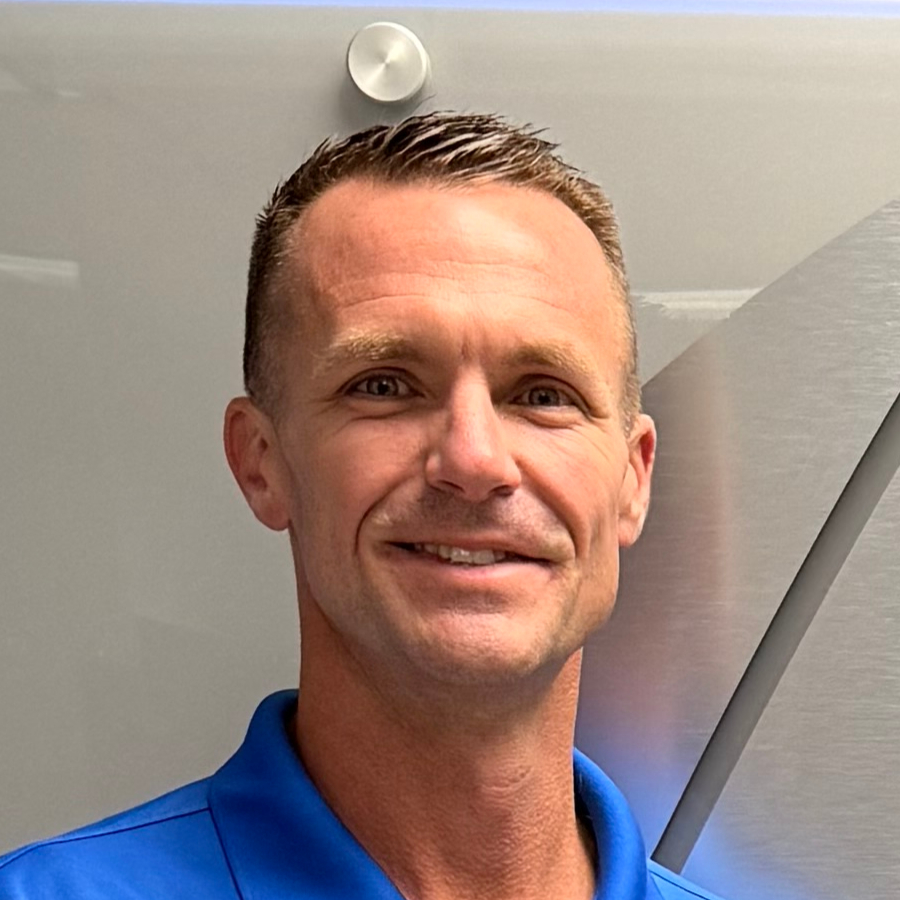
Before DashQuill, we had to manually create a contact for every patient in our secure texting system. Now that contacts sync automatically from our EHR, we can reach out instantly without any setup. It's made patient communication far more convenient.
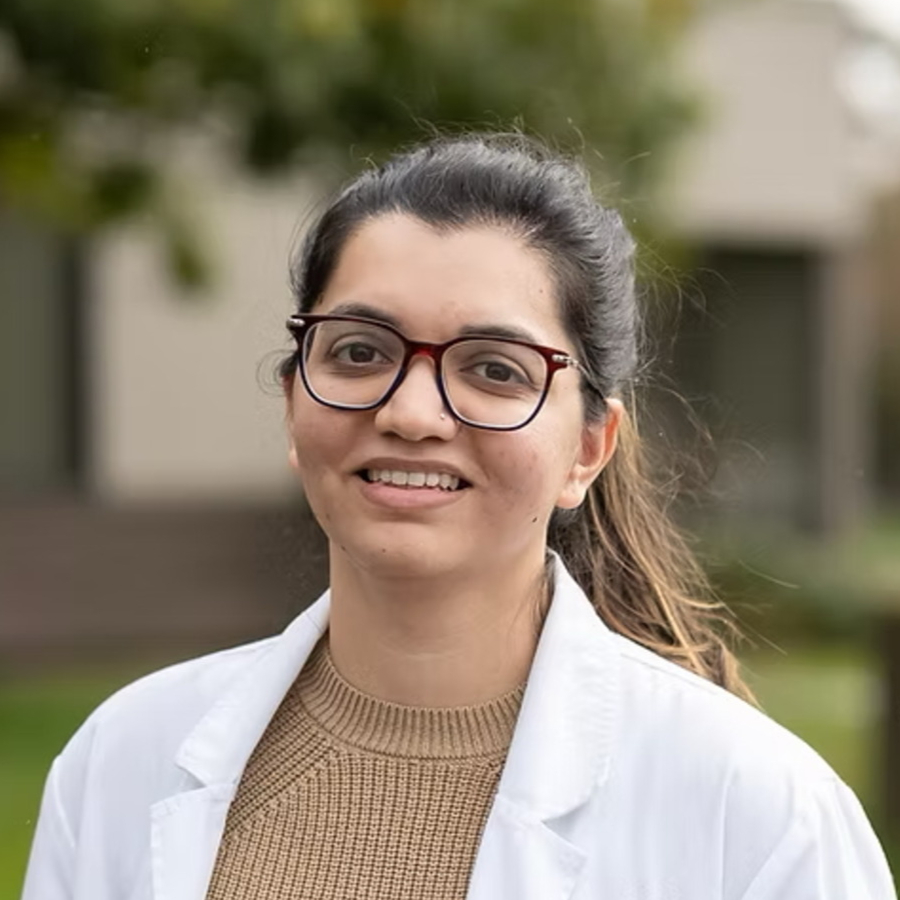
DashQuill was recommended to us, and within two weeks we completed online training and went live. Tim and John provided excellent support throughout the process, and we appreciate that our calls are answered promptly whenever assistance is needed.
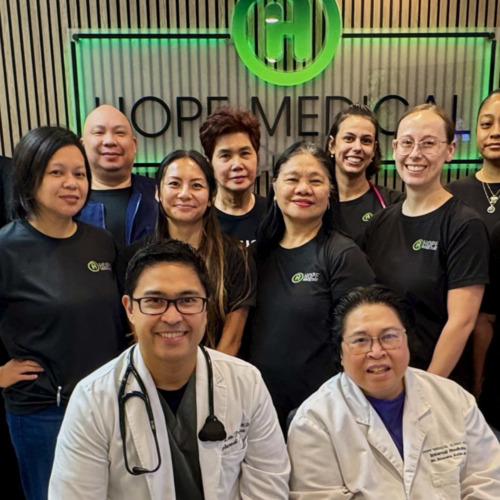
When our office got very busy during COVID in 2020, DashQuill's patient forms were a lifesaver. They made it easy to speed up our entire intake process, which saved our staff countless hours and helped us keep up with the surge in patients. We still use the same setup today.
With DashQuill's faxing, we turned a paper-heavy process into a fast, digital workflow. Now we have less printing, fewer errors, and more time to spend with patients.
Partnering with DashQuill has been a game-changer for our practice. Their seamless integration into our EHR system brought immediate improvements in workflow efficiency, reducing administrative burden and allowing our team to focus more on patient care.
Before DashQuill, we had to manually create a contact for every patient in our secure texting system. Now that contacts sync automatically from our EHR, we can reach out instantly without any setup. It's made patient communication far more convenient.
DashQuill was recommended to us, and within two weeks we completed online training and went live. Tim and John provided excellent support throughout the process, and we appreciate that our calls are answered promptly whenever assistance is needed.
When our office got very busy during COVID in 2020, DashQuill's patient forms were a lifesaver. They made it easy to speed up our entire intake process, which saved our staff countless hours and helped us keep up with the surge in patients. We still use the same setup today.
With DashQuill's faxing, we turned a paper-heavy process into a fast, digital workflow. Now we have less printing, fewer errors, and more time to spend with patients.
Partnering with DashQuill has been a game-changer for our practice. Their seamless integration into our EHR system brought immediate improvements in workflow efficiency, reducing administrative burden and allowing our team to focus more on patient care.
Before DashQuill, we had to manually create a contact for every patient in our secure texting system. Now that contacts sync automatically from our EHR, we can reach out instantly without any setup. It's made patient communication far more convenient.
DashQuill was recommended to us, and within two weeks we completed online training and went live. Tim and John provided excellent support throughout the process, and we appreciate that our calls are answered promptly whenever assistance is needed.
When our office got very busy during COVID in 2020, DashQuill's patient forms were a lifesaver. They made it easy to speed up our entire intake process, which saved our staff countless hours and helped us keep up with the surge in patients. We still use the same setup today.
With DashQuill's faxing, we turned a paper-heavy process into a fast, digital workflow. Now we have less printing, fewer errors, and more time to spend with patients.
Partnering with DashQuill has been a game-changer for our practice. Their seamless integration into our EHR system brought immediate improvements in workflow efficiency, reducing administrative burden and allowing our team to focus more on patient care.
Before DashQuill, we had to manually create a contact for every patient in our secure texting system. Now that contacts sync automatically from our EHR, we can reach out instantly without any setup. It's made patient communication far more convenient.
DashQuill was recommended to us, and within two weeks we completed online training and went live. Tim and John provided excellent support throughout the process, and we appreciate that our calls are answered promptly whenever assistance is needed.
When our office got very busy during COVID in 2020, DashQuill's patient forms were a lifesaver. They made it easy to speed up our entire intake process, which saved our staff countless hours and helped us keep up with the surge in patients. We still use the same setup today.
With DashQuill's faxing, we turned a paper-heavy process into a fast, digital workflow. Now we have less printing, fewer errors, and more time to spend with patients.
Partnering with DashQuill has been a game-changer for our practice. Their seamless integration into our EHR system brought immediate improvements in workflow efficiency, reducing administrative burden and allowing our team to focus more on patient care.
Before DashQuill, we had to manually create a contact for every patient in our secure texting system. Now that contacts sync automatically from our EHR, we can reach out instantly without any setup. It's made patient communication far more convenient.
DashQuill was recommended to us, and within two weeks we completed online training and went live. Tim and John provided excellent support throughout the process, and we appreciate that our calls are answered promptly whenever assistance is needed.
When our office got very busy during COVID in 2020, DashQuill's patient forms were a lifesaver. They made it easy to speed up our entire intake process, which saved our staff countless hours and helped us keep up with the surge in patients. We still use the same setup today.
With DashQuill's faxing, we turned a paper-heavy process into a fast, digital workflow. Now we have less printing, fewer errors, and more time to spend with patients.
Partnering with DashQuill has been a game-changer for our practice. Their seamless integration into our EHR system brought immediate improvements in workflow efficiency, reducing administrative burden and allowing our team to focus more on patient care.
Before DashQuill, we had to manually create a contact for every patient in our secure texting system. Now that contacts sync automatically from our EHR, we can reach out instantly without any setup. It's made patient communication far more convenient.
DashQuill was recommended to us, and within two weeks we completed online training and went live. Tim and John provided excellent support throughout the process, and we appreciate that our calls are answered promptly whenever assistance is needed.
When our office got very busy during COVID in 2020, DashQuill's patient forms were a lifesaver. They made it easy to speed up our entire intake process, which saved our staff countless hours and helped us keep up with the surge in patients. We still use the same setup today.
With DashQuill's faxing, we turned a paper-heavy process into a fast, digital workflow. Now we have less printing, fewer errors, and more time to spend with patients.
Partnering with DashQuill has been a game-changer for our practice. Their seamless integration into our EHR system brought immediate improvements in workflow efficiency, reducing administrative burden and allowing our team to focus more on patient care.
Before DashQuill, we had to manually create a contact for every patient in our secure texting system. Now that contacts sync automatically from our EHR, we can reach out instantly without any setup. It's made patient communication far more convenient.
DashQuill was recommended to us, and within two weeks we completed online training and went live. Tim and John provided excellent support throughout the process, and we appreciate that our calls are answered promptly whenever assistance is needed.
When our office got very busy during COVID in 2020, DashQuill's patient forms were a lifesaver. They made it easy to speed up our entire intake process, which saved our staff countless hours and helped us keep up with the surge in patients. We still use the same setup today.
With DashQuill's faxing, we turned a paper-heavy process into a fast, digital workflow. Now we have less printing, fewer errors, and more time to spend with patients.
Our Services
Comprehensive tools to streamline your practice
Patient Forms
Digitize your existing forms and connect them to your EHR so data flows automatically. Import phone numbers, addresses, insurance, emergency contacts—even insurance card photos. No more typing from PDFs or copying data field by field.
Learn more →
Patient Messaging
Send HIPAA-compliant texts from your office number, right inside your EHR. AI summarizes patient requests and auto-tags messages for the right staff. Patient contacts sync automatically—no manual setup.
Learn more →
Cloud Faxing
Receive and send faxes directly in your EHR inbox. AI reads and summarizes faxes—including handwriting—identifies patients in your EMR, and automatically routes faxes to the right person or group.
Learn more →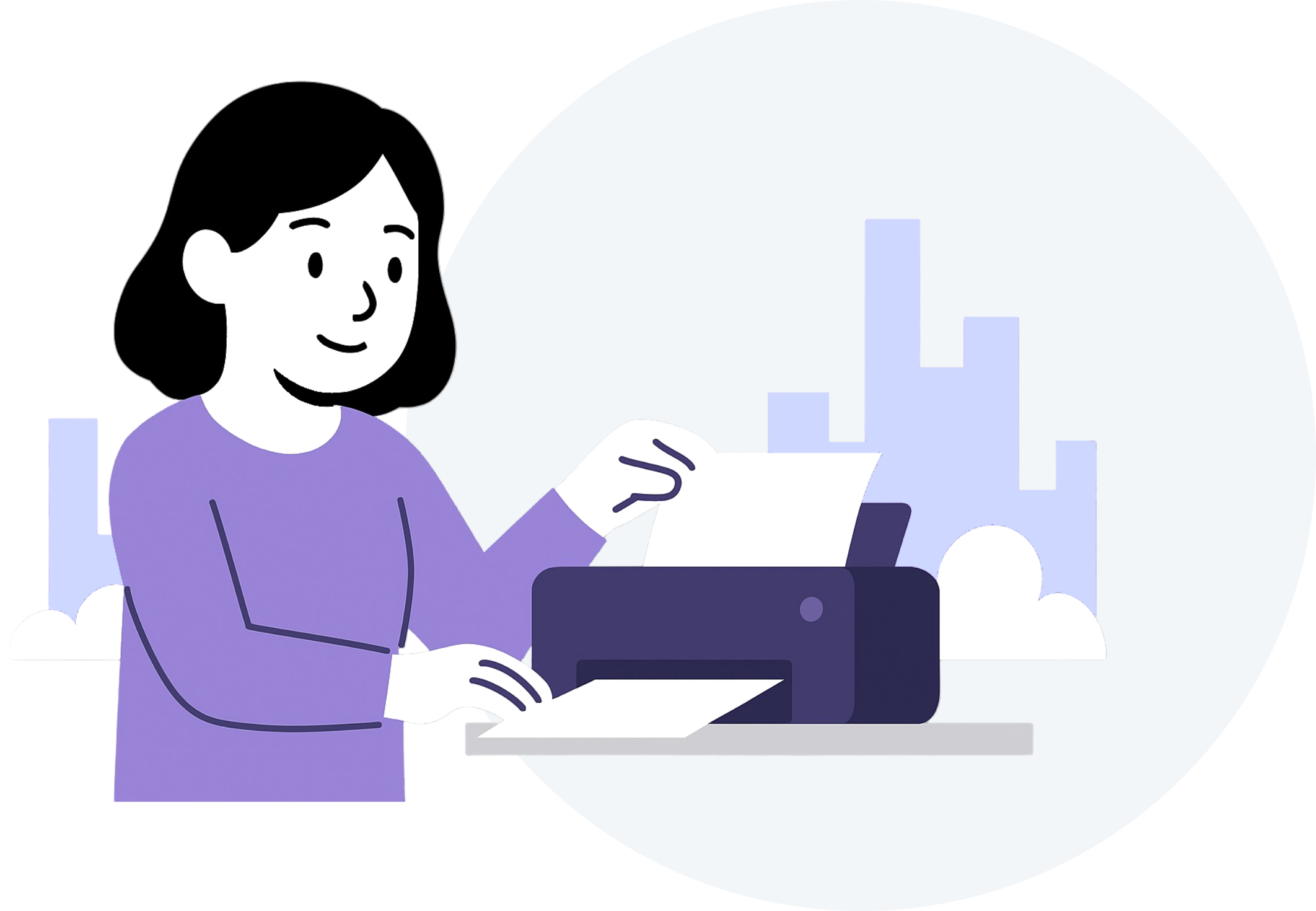
Telehealth
HIPAA-compliant video visits with AI-powered scribe notes and custom note templates, launched right from inside your EHR. Syncs with your EMR schedule and patient chat for seamless appointment links, with one-click encounter import available on Practice Fusion.
Learn more →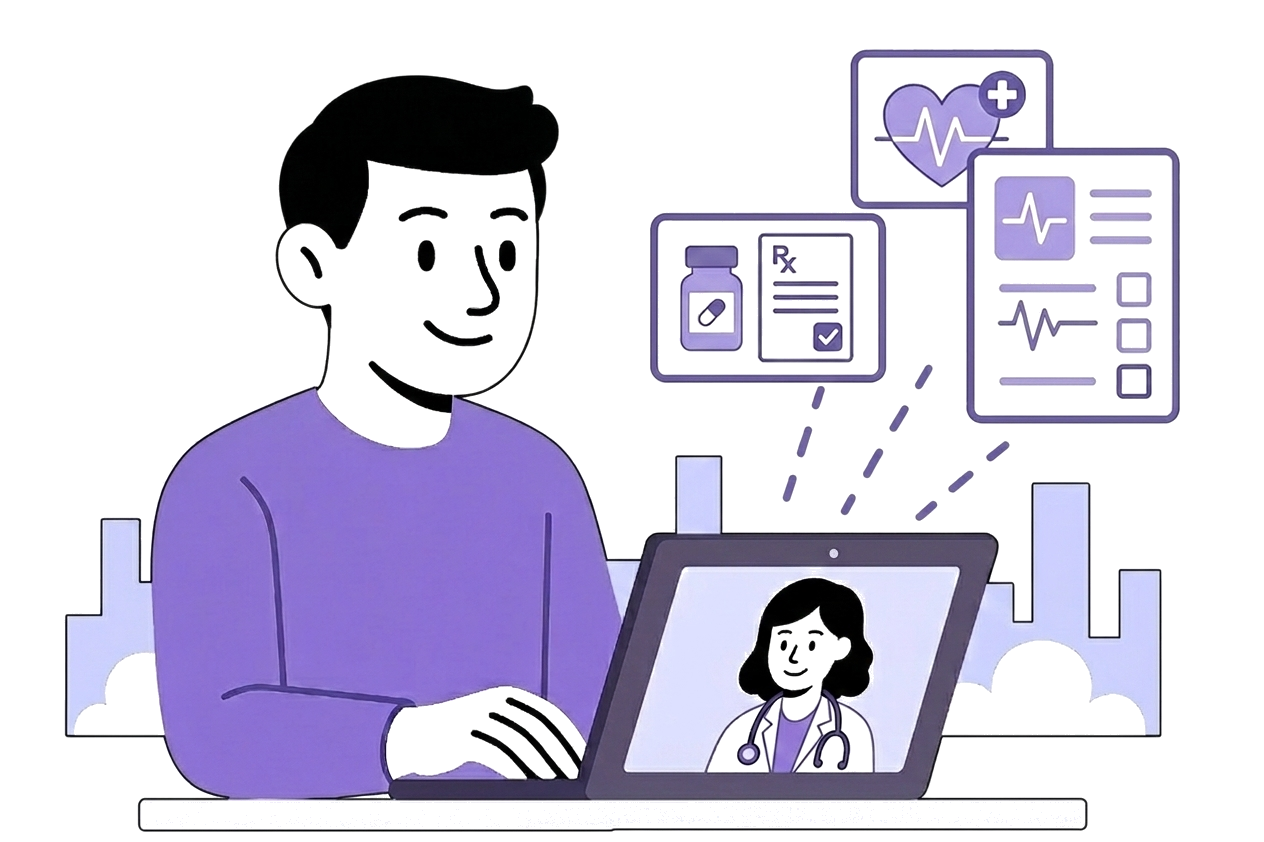
How it works
Get started with DashQuill in three simple steps
Choose your services
Pick the services that fit your practice and create your account. No long implementation project—you're ready to connect right away.
Connect your EHR
We embed new buttons right into your EHR. Adding DashQuill takes only a few minutes—do it yourself, or we'll walk you through it on a call.
Start using services
Once you're connected, you're ready to go. Access all your tools directly from within your EHR—no switching between systems.
Frequently Asked Questions
Everything you need to know about DashQuill
Yes. We follow industry best practices such as encrypting PHI in transit/at-rest, implementing strict access controls, performing regular data backups, and maintaining robust logging to ensure data security and accountability. As part of our standard onboarding process, we'll sign a Business Associate Agreement with your office. For more details about our security measures, visit our HIPAA compliance page.
We offer several services—patient forms, patient messaging, cloud faxing, and telehealth with AI scribe—and you get to pick whichever ones fit your practice. During your demo, we'll walk you through each service so you can decide what you need. Once you've made your selections, you create your account and add DashQuill to your EHR, which only takes a few minutes and is something you can do yourself. If you'd rather have help, we're glad to get on a call and set it up hands-on with you.
DashQuill's integration is unique because we embed new buttons directly into your EHR—extending its functionality rather than replacing it. When you need to access one of our services, you'll find it right there in your existing workflow. It's like adding new features to your EHR that seamlessly fit into how you already work.
It depends on the services you choose. Patient forms and telehealth can often be live the same day. Messaging and faxing are very quick too if you're starting with a new number. If you want to keep an existing number, that requires hosting or porting it, which is handled by the carrier and takes longer. Book a demo and we can give you a timeline for your specific setup.
We're very hands-on, especially at the start. We'll help you get everything set up, make tweaks so it fits your office's workflow, and provide thorough staff training. After that, email us for regular, non-urgent help and we'll get back to you. If something is urgent and you need someone quickly, call our support line at 425-600-2019.
Ready to streamline your practice?
Join hundreds of practices that trust DashQuill to improve their workflow and patient experience.